
Download Hidden Word Search – Word Puzzle Game, Brain Teaser, Vocabulary Builder
Overview
Hidden Word Search presents itself as a dedicated word puzzle experience designed for individuals who enjoy mental challenges and language-based games. With over 7,000 words available across its puzzle library, the app offers a robust platform for vocabulary expansion and cognitive engagement. The core purpose of the app is to deliver an immersive word search experience that combines entertainment with educational value, making it suitable for casual players and serious word enthusiasts alike. It serves as a daily mental workout, encouraging users to identify hidden words within a grid, thus improving pattern recognition, focus, and word recall.
The target audience includes students seeking vocabulary reinforcement, adults looking for stress-relieving brain games, and language learners aiming to expand their lexicon. While the developer has not disclosed further background details, the app’s consistent updates and long-standing presence since its 2017 release suggest a stable and well-maintained product. Real-world use cases include quick sessions during breaks, classroom activities, or evening relaxation. In the broader app ecosystem, Hidden Word Search occupies a niche in the productivity and mental wellness category, offering a distraction-free environment for sharpening cognitive skills through play.
Key Features & Functionality
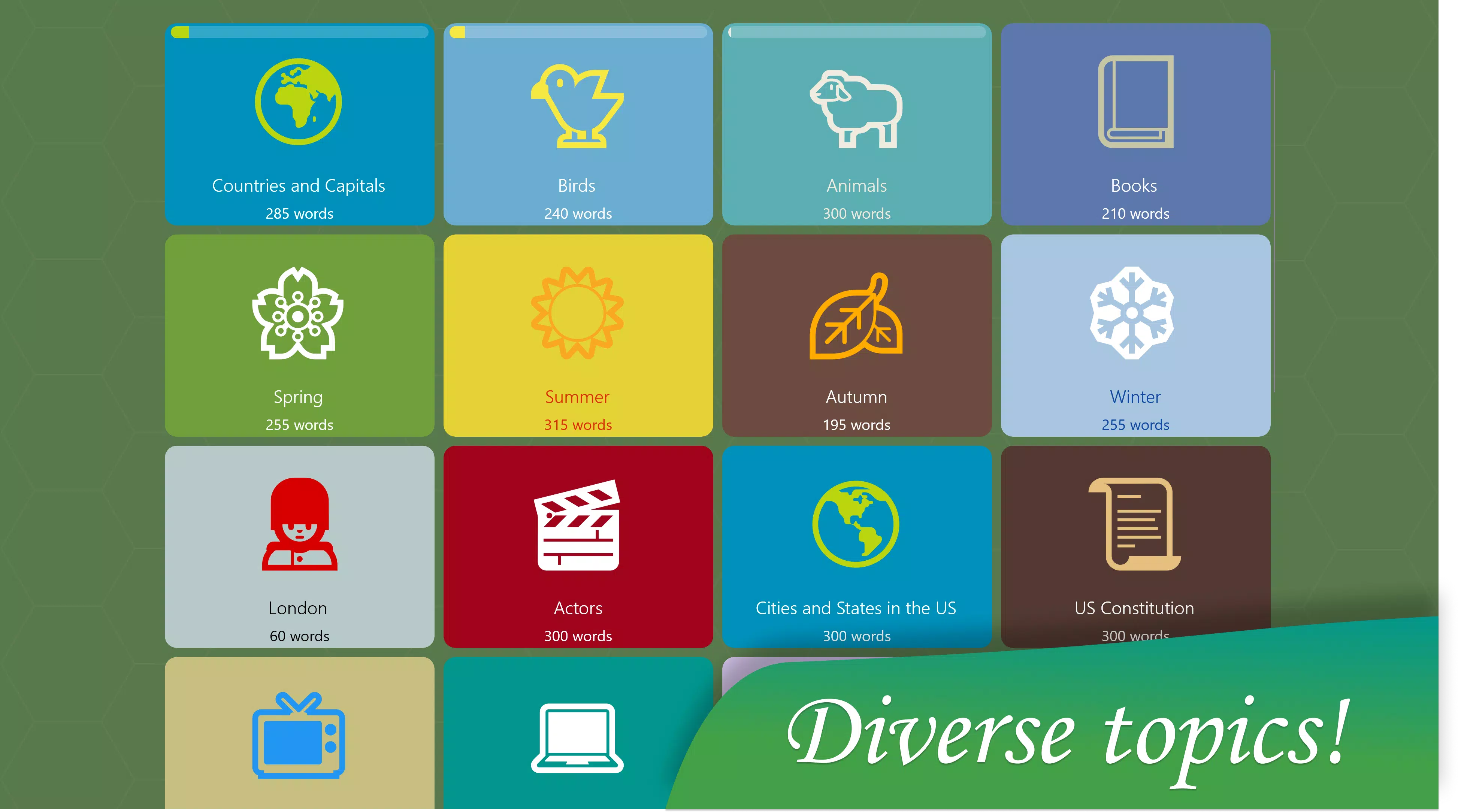
- Multiple Difficulty Modes: The app supports adjustable difficulty levels, allowing users to select puzzles that match their skill level. From beginner-friendly themes to complex challenges, this feature ensures accessibility and progressive engagement. For example, a user might start with simple animal names before advancing to obscure scientific terms.
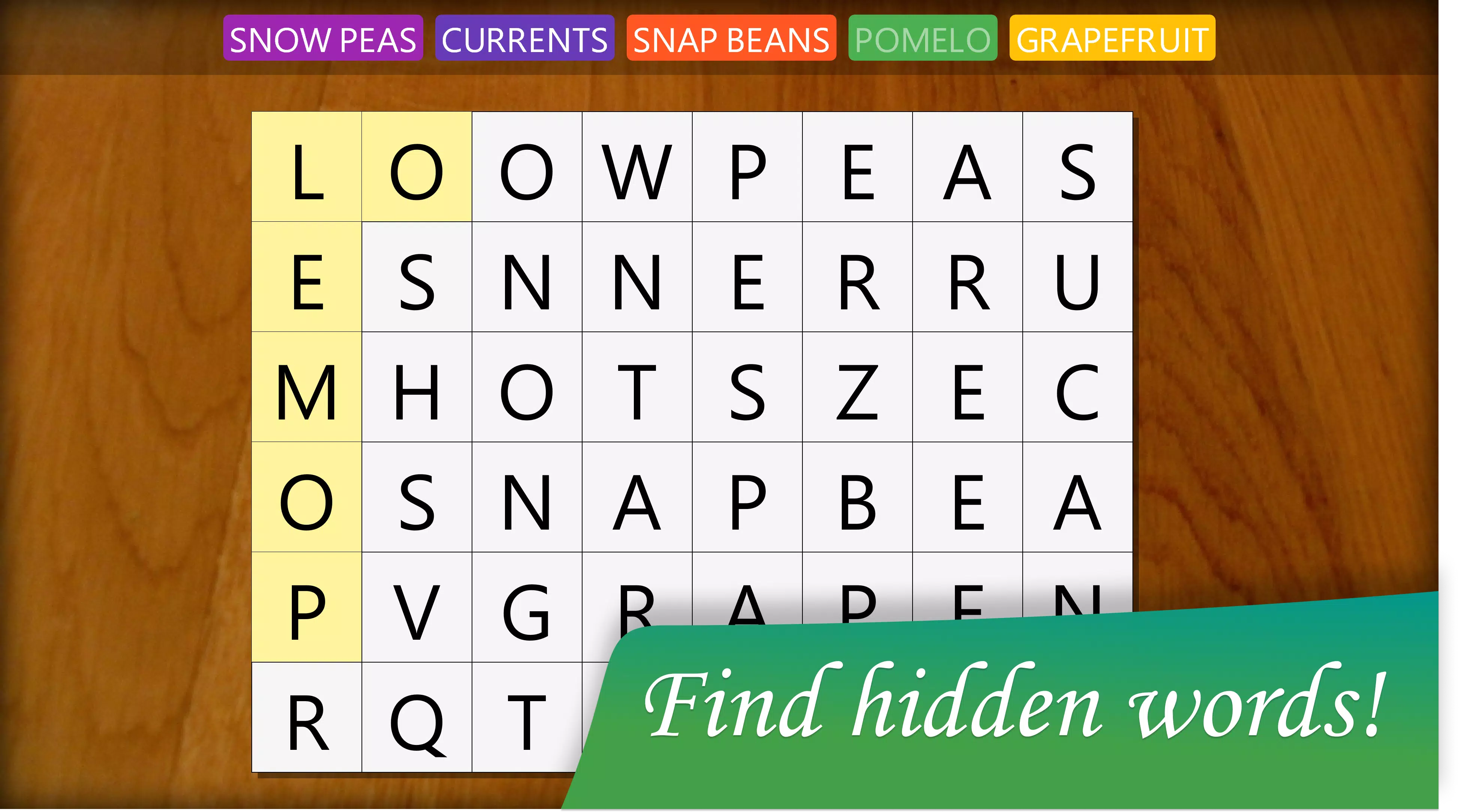
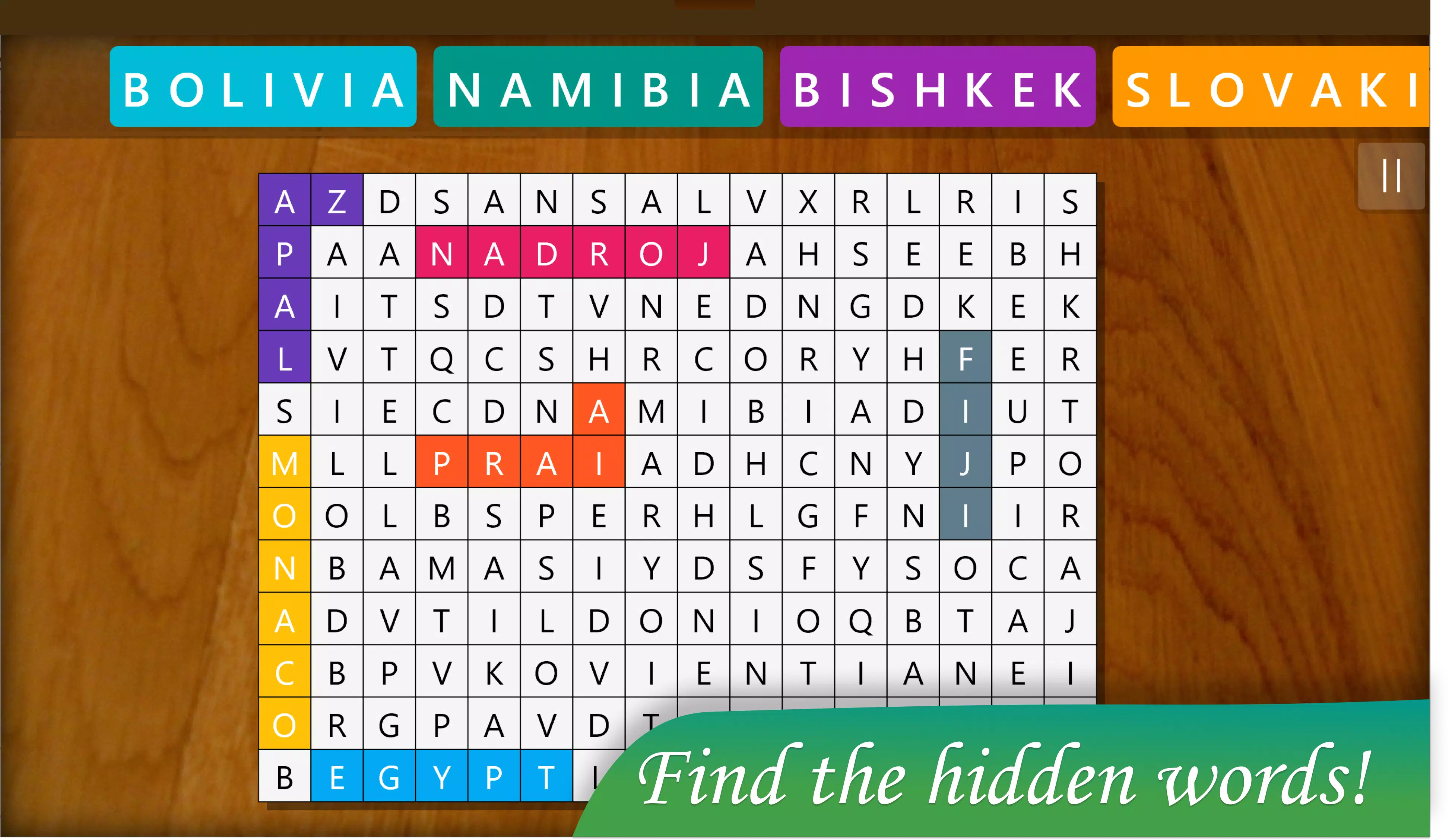
- Flexible Gameplay: Words can be found in all directions—horizontal, vertical, and diagonal—adding complexity and variety to each puzzle. This flexibility encourages lateral thinking and helps users train their visual processing speed and attention to detail.
- Board of the Day: A new puzzle is unlocked daily, available for free until midnight. Completing it offers a sense of accomplishment and fosters regular usage. This feature turns the game into a daily habit, similar to a digital crossword or puzzle calendar.
- Cross-Device Play: Users can sync progress across devices using a single Microsoft Account. This ensures continuity, allowing players to start a puzzle on a tablet and finish it on a smartphone without losing progress.
- Premium Subscription: A subscription model grants access to the full library of puzzles, removing restrictions on content availability. This enables uninterrupted gameplay and appeals to users who want unlimited challenges.
These features collectively create a structured yet adaptable experience, ideal for users who value both challenge and consistency in their leisure activities.
Interface, UX & Performance
The user interface of Hidden Word Search is designed with clarity and usability in mind. The layout features a clean grid system where words are hidden, surrounded by random letters, enabling easy visual scanning. Navigation is intuitive, with clearly labeled menus for selecting difficulty, accessing the daily board, and managing account settings. The visual style is minimalistic, avoiding clutter and focusing attention on the puzzle itself.
Users can expect smooth interaction across different device categories, including smartphones and tablets. Although the developer did not list formal performance metrics, the app’s long-term availability and consistent functionality suggest reliable responsiveness. The app maintains stability during extended play sessions, with no reported issues related to freezing or crashes. Load times for puzzles appear to be efficient, supporting quick access to gameplay without delays.
Platform Compatibility & Technical Requirements
Hidden Word Search is available on Windows platforms, including Windows 10 and later versions. The app’s file size is approximately 150 MB, making it suitable for devices with moderate storage capacity. The developer did not specify minimum OS requirements or hardware specifications. Compatibility information was not fully disclosed, so users should verify system compatibility before installation.
Pros and Cons
Pros
- Extensive library of over 7,000 words ensures long-term replayability.
- Daily Board of the Day provides motivation for consistent use.
- Cross-device sync via Microsoft Account enhances accessibility.
- Adjustable difficulty levels accommodate users of all experience levels.
- Premium subscription offers full access to the puzzle collection.
Cons
- Platform availability limited to Windows; no information on Android or iOS support.
- Developer did not provide details on performance benchmarks or device compatibility.
- Free version may have limited access to premium puzzles.
- No in-app tutorials or guided onboarding for new users.
- Subscription model required for full content access.
FAQ
Is Hidden Word Search available on Android and iOS?
The developer did not confirm availability on Android or iOS. The app is currently known to be available on Windows platforms.
Can I play Hidden Word Search offline?
Yes, once the puzzles are downloaded, they can be played without an internet connection. However, syncing progress across devices requires an active connection.
How do I access the Board of the Day?
The Board of the Day is automatically unlocked each day. It can be accessed from the main menu and must be completed before midnight to claim the daily achievement.
Is there a free version of Hidden Word Search?
Yes, a free version is available with limited access to puzzles. Additional content and full library access require a premium subscription.
How does the premium subscription work?
The premium subscription unlocks unlimited access to all puzzles, removes ads (if any), and allows full cross-device synchronization. Subscription terms are managed through the Microsoft Store.
Final Thoughts
Hidden Word Search stands out as a well-structured, content-rich puzzle app tailored for users who value mental stimulation and language development. Its combination of a vast word library, daily challenges, and cross-device functionality makes it a compelling choice for consistent, enjoyable gameplay. While the platform restriction to Windows limits its reach, those on compatible devices will find it to be a reliable and engaging tool for vocabulary building and cognitive training.
Whether you're a student, educator, or simply someone who enjoys word games, Hidden Word Search delivers steady value through its thoughtful design and scalable difficulty. The inclusion of a daily board fosters routine engagement, while the premium model ensures a sustainable experience for dedicated players.
Download Hidden Word Search now


